Charts for Markdown
Markdown’s image syntax is minimal on purpose: you point at a URL. ChartKit turns structured numbers into that URL’s PNG or SVG bytes.
READMEs and docs sites
GitHub renders `!label` if the host allows the image domain (user content policies apply).
Docs tools (MkDocs, Docusaurus) pass Markdown through to HTML the same way.
Pair with charts for blog posts when the pipeline is static-site-based.
Use cases
- OSS projects that want a traffic chart in README without committing binary churn every week.
- Internal handbooks written in MD and mirrored to multiple viewers.
- Notebook exports where the MD post should stay vendor-neutral.
Examples
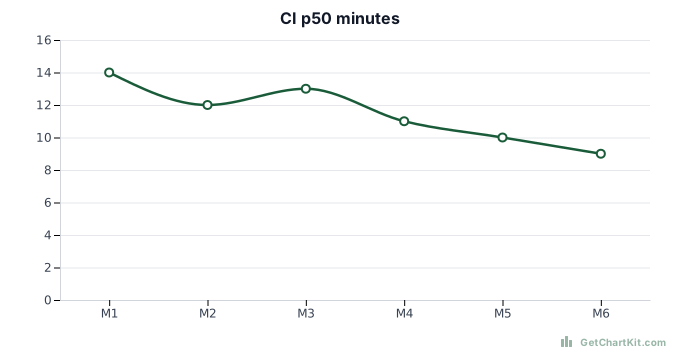
Basic Markdown figure
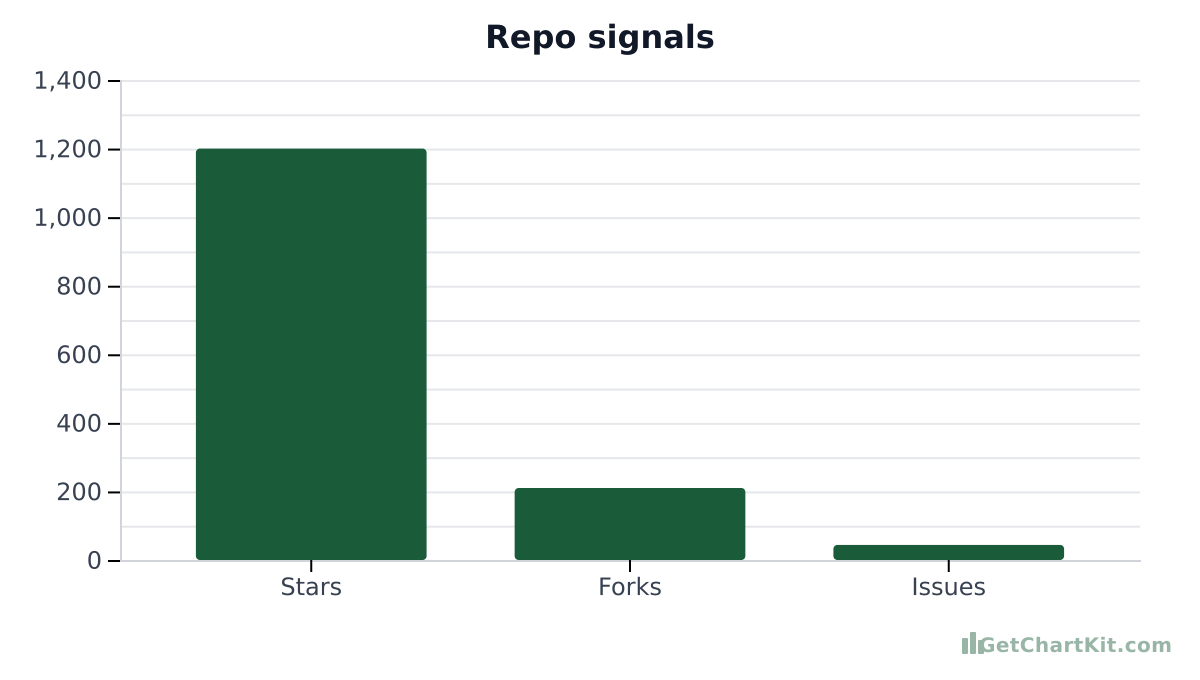
PNG when SVG is blocked
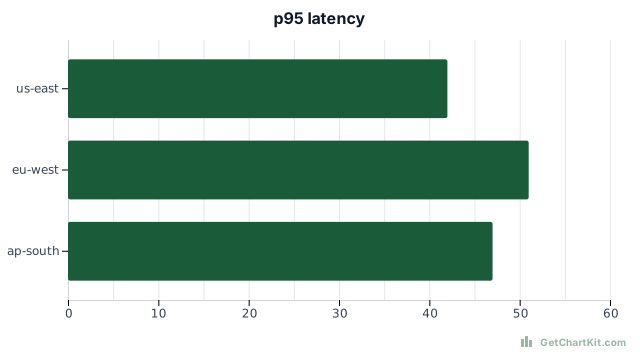
Horizontal bar for long labels in narrow readme column
Generate Markdown line
Adjust fields and copy URL, HTML, Markdown, or an AI prompt. See the URL parameters reference if you are editing links by hand.
Chart options
Advanced▾
Makes X and Y axis labels larger. Applies to bar, line, area, and horizontal bar charts.
Preview
Copy
Show snippets
How it works
- Build the chart, copy the Markdown line from the builder - no hand-escaping.
- Commit the Markdown; hotlink loads at render time.
- If policies block hotlinking, download the asset and commit the binary instead.
Use with ChatGPT or Claude
LLMs that author Markdown should output ChartKit URLs inside `![]()` only after you verify numbers.
Structured CSV pastes: CSV to chart.
FAQ
- Does GitHub always show remote images?
Policies change; test preview. Alternately download and commit the PNG.
- Mermaid vs ChartKit?
Mermaid renders client-side or via server; ChartKit is a plain image URL.
- JavaScript?
Readers only load an image resource.
- Free?
Yes for public chart URLs within limits.
- HTML instead?
Use `<img>` if your Markdown engine allows raw HTML.